Install LuCI in the New UI Firmware
2. Connect to the gateway via SSH
You can use Putty or any SSH client to connect the the gateway.
Default credentials:
username: root
assword: dragino
3. Install Luci
Enter the following commands
opkg update
opkg install luci --force-overwrite
root@dragino-1d25dc:~# opkg update
Downloading https://downloads.openwrt.org/releases/18.06.8/targets/ar71xx/generic/packages//Packages.gz
Updated list of available packages in /var/opkg-lists/openwrt_core
Downloading https://downloads.openwrt.org/releases/packages-18.06/mips\_24kc/base//Packages.gz
Updated list of available packages in /var/opkg-lists/openwrt_base
Downloading https://downloads.openwrt.org/releases/packages-18.06/mips\_24kc/luci//Packages.gz
Updated list of available packages in /var/opkg-lists/openwrt_luci
Downloading https://downloads.openwrt.org/releases/packages-18.06/mips\_24kc/packages//Packages.gz
Updated list of available packages in /var/opkg-lists/openwrt_packages
Downloading https://downloads.openwrt.org/releases/packages-18.06/mips\_24kc/routing//Packages.gz
Updated list of available packages in /var/opkg-lists/openwrt_routing
Downloading https://downloads.openwrt.org/releases/packages-18.06/mips\_24kc/telephony//Packages.gz
Updated list of available packages in /var/opkg-lists/openwrt_telephony
Downloading http://www.dragino.com/downloads/downloads/LoRa\_Gateway/DLOS8/Firmware/Packages/dragino//Packages.gz
Updated list of available packages in /var/opkg-lists/dragino
root@dragino-1d25dc:~# opkg install luci --force-overwrite
Installing luci (git-20.272.49300-479154e-1) to root...
Downloading https://downloads.openwrt.org/releases/packages-18.06/mips\_24kc/luci//luci\_git-20.272.49300-479154e-1\_all.ipk
Installing luci-base (git-20.272.49300-479154e-1) to root...
Downloading https://downloads.openwrt.org/releases/packages-18.06/mips\_24kc/luci//luci-base\_git-20.272.49300-479154e-1\_mips\_24kc.ipk
Installing luci-mod-admin-full (git-20.272.49300-479154e-1) to root...
Downloading https://downloads.openwrt.org/releases/packages-18.06/mips\_24kc/luci//luci-mod-admin-full\_git-20.272.49300-479154e-1\_mips\_24kc.ipk
Installing luci-theme-bootstrap (git-20.272.49300-479154e-1) to root...
Downloading https://downloads.openwrt.org/releases/packages-18.06/mips\_24kc/luci//luci-theme-bootstrap\_git-20.272.49300-479154e-1\_all.ipk
Installing luci-app-firewall (git-20.272.49300-479154e-1) to root...
Downloading https://downloads.openwrt.org/releases/packages-18.06/mips\_24kc/luci//luci-app-firewall\_git-20.272.49300-479154e-1\_all.ipk
Installing luci-proto-ppp (git-20.272.49300-479154e-1) to root...
Downloading https://downloads.openwrt.org/releases/packages-18.06/mips\_24kc/luci//luci-proto-ppp\_git-20.272.49300-479154e-1\_all.ipk
Installing luci-proto-ipv6 (git-20.272.49300-479154e-1) to root...
Downloading https://downloads.openwrt.org/releases/packages-18.06/mips\_24kc/luci//luci-proto-ipv6\_git-20.272.49300-479154e-1\_all.ipk
Configuring luci-theme-bootstrap.
uci: Entry not found
uci: Parse error (too many arguments) at line 22, byte 43
Configuring luci-app-firewall.
Configuring luci-proto-ppp.
Configuring luci-base.
Configuring luci-mod-admin-full.
uci: Entry not found
uci: Parse error (too many arguments) at line 22, byte 43
Configuring luci-proto-ipv6.
Configuring luci.
root@dragino-1d25dc:~#
3. Web access
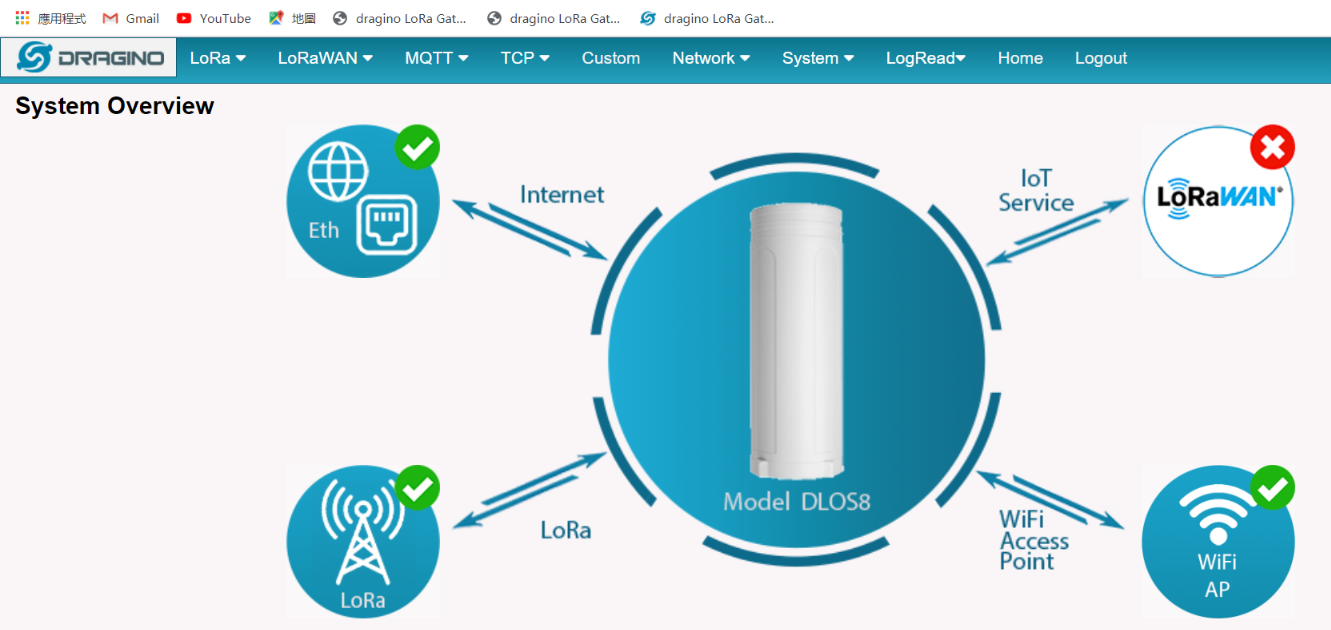
The new GUI is working as before. Simply enter the gateway IP address in the address bar of your browser.
By default: http://10.130.1.1/cgi-bin/home.has
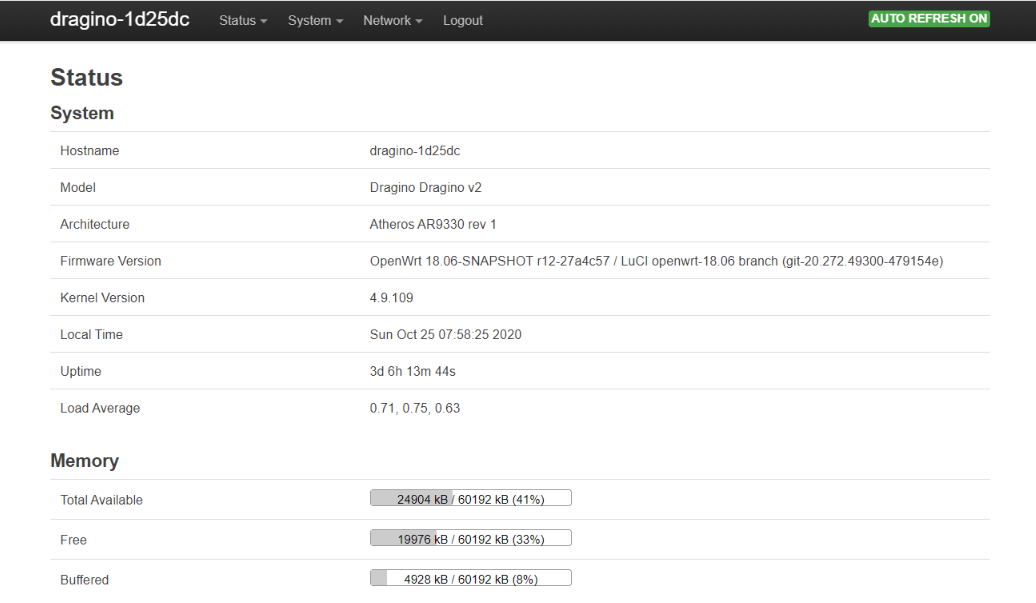
The LuCI interface is accessible via the URL http://10.130.1.1/cgi-bin/luci/, adjust the IP accordingly
0
Toggle the left panel column.