How to Recover Gateway if You Cannot Access It
2. Firmware Download Location
Please note: the latest firmware has changed the WAN interface to uncommon ports for security issue. The HTTP port in WAN port change to 8000 . And the SSH port has been changed to 2222
3. Trouble Shooting
3.1. I can't access the gateway's Web Failsafe mode.
This may be the result of incorrect configuration or bad gateway hardware.
So you can distinguish whether the gateway's hardware is working by following these steps.
1). When the gateway is connected to the power supply, power will light up first, then the earth light and eth will flash together once
This means the gateway's hardware is good, please check your static configuration.
3.2. LPS8/LPS8N troubleshooting
The user can detect defective LPS8/LPS8N hardware through this process
Prerequisites:
a). Prepare a gateway of LPS8/LPS8N

b). Prepare a 5V2A/5V3A type-c power adapter
1.) When you plug in the power supply, the power/global/LAN LED will blink once, and then the power LED will light on.
If you can get this process where it says your gateway's hardware is not defective.

2.) After Step 1, the gateway enters the boot process.
The global LED will blink blue.
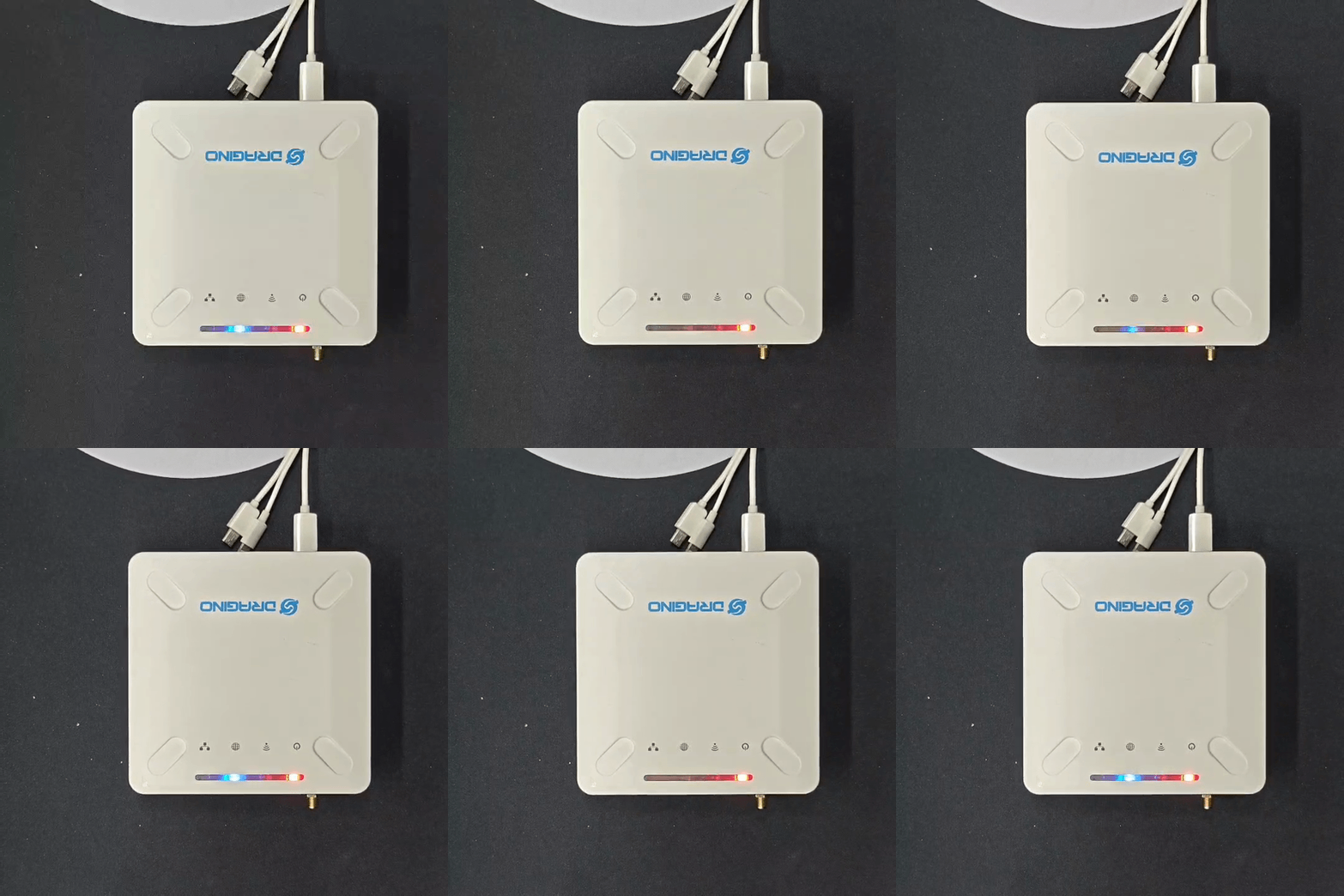
3.) Gateway complete boot.
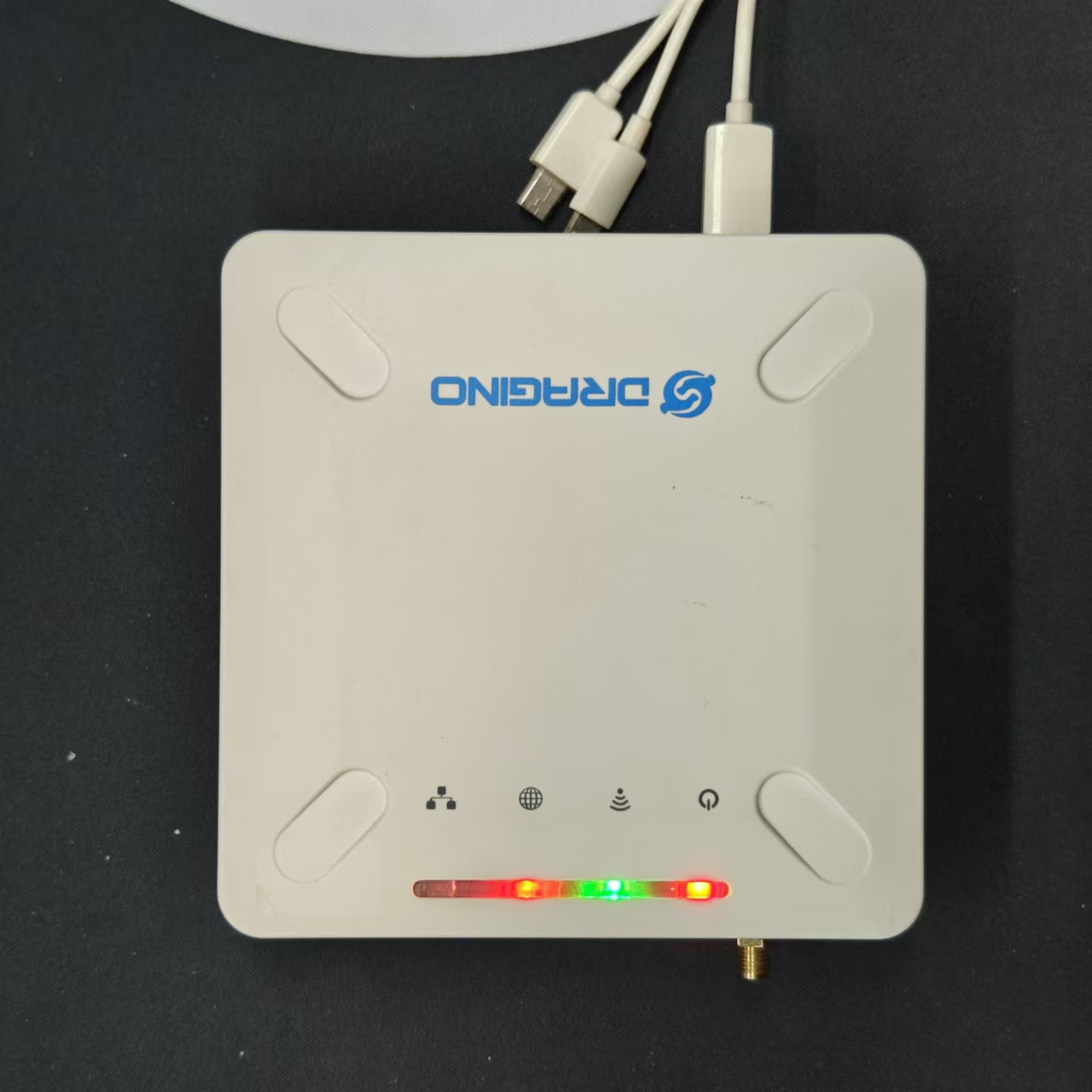
If only plug the power supply without any wifi/ETH connection, the gateway's power and global LED will keep light red.
0
Toggle the left panel column.