Listen Before Talk Feature (LBT)
1. Introduction
Dragino Gateway is possible to support (LBT) Listen Before Talk feature with LA66 USB LoRaWAN Adapter.
Below list the support products and Requirements:
- Firmware version since : LBT--build-v5.4.1658454438
2. How to use
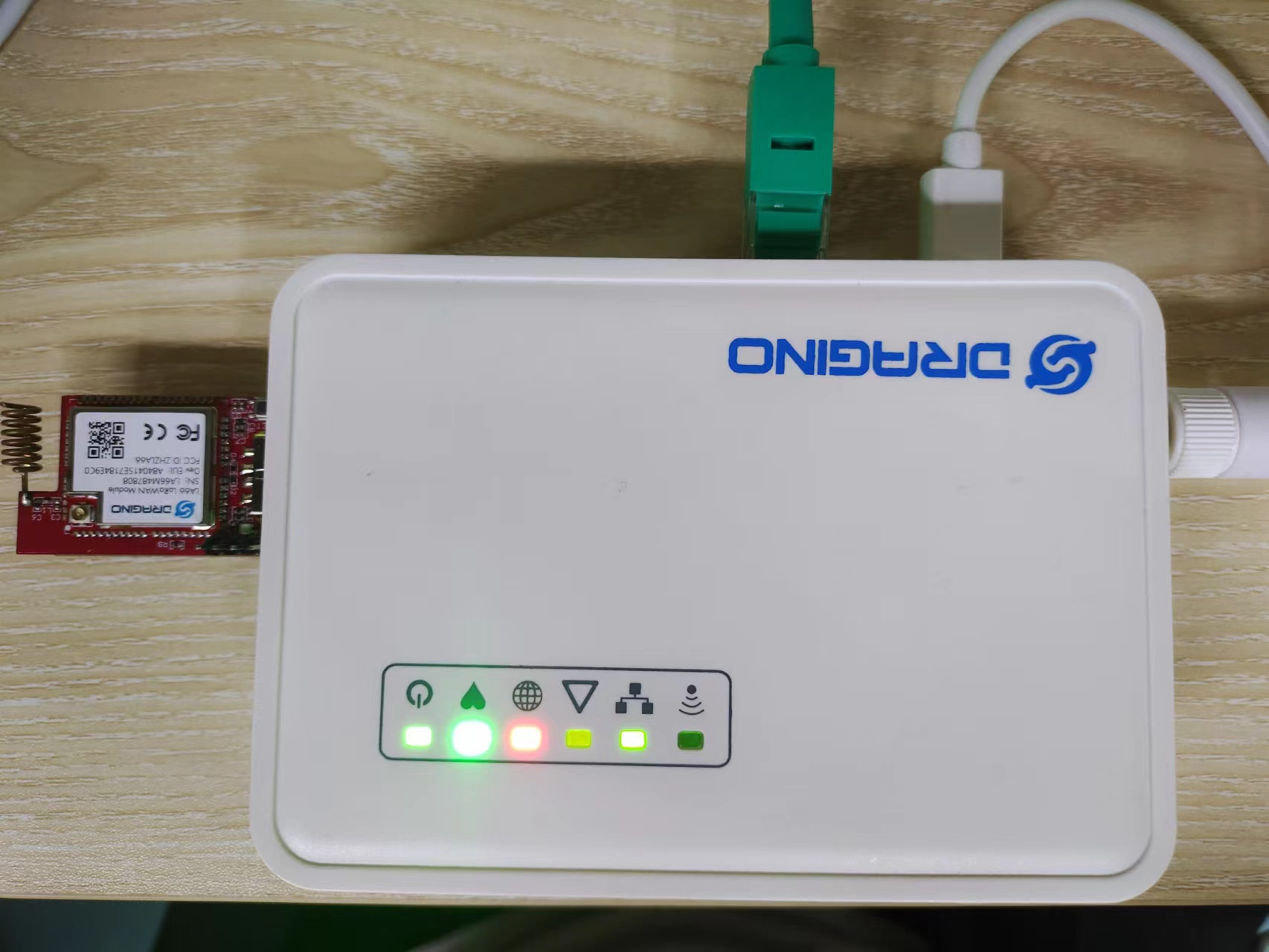
Connect the LA66 module to the USB port on the side of the gateway.
2.1 Upgrade File
Upgrade the gateway firmware to the LBT version for specific device Firmware download. This LBT version firmware support LBT by default, users just need to plug in the LA66 USB LoRaWAN Adapter.
2.2 Debug
Apply and save on the web after the above configure has been made
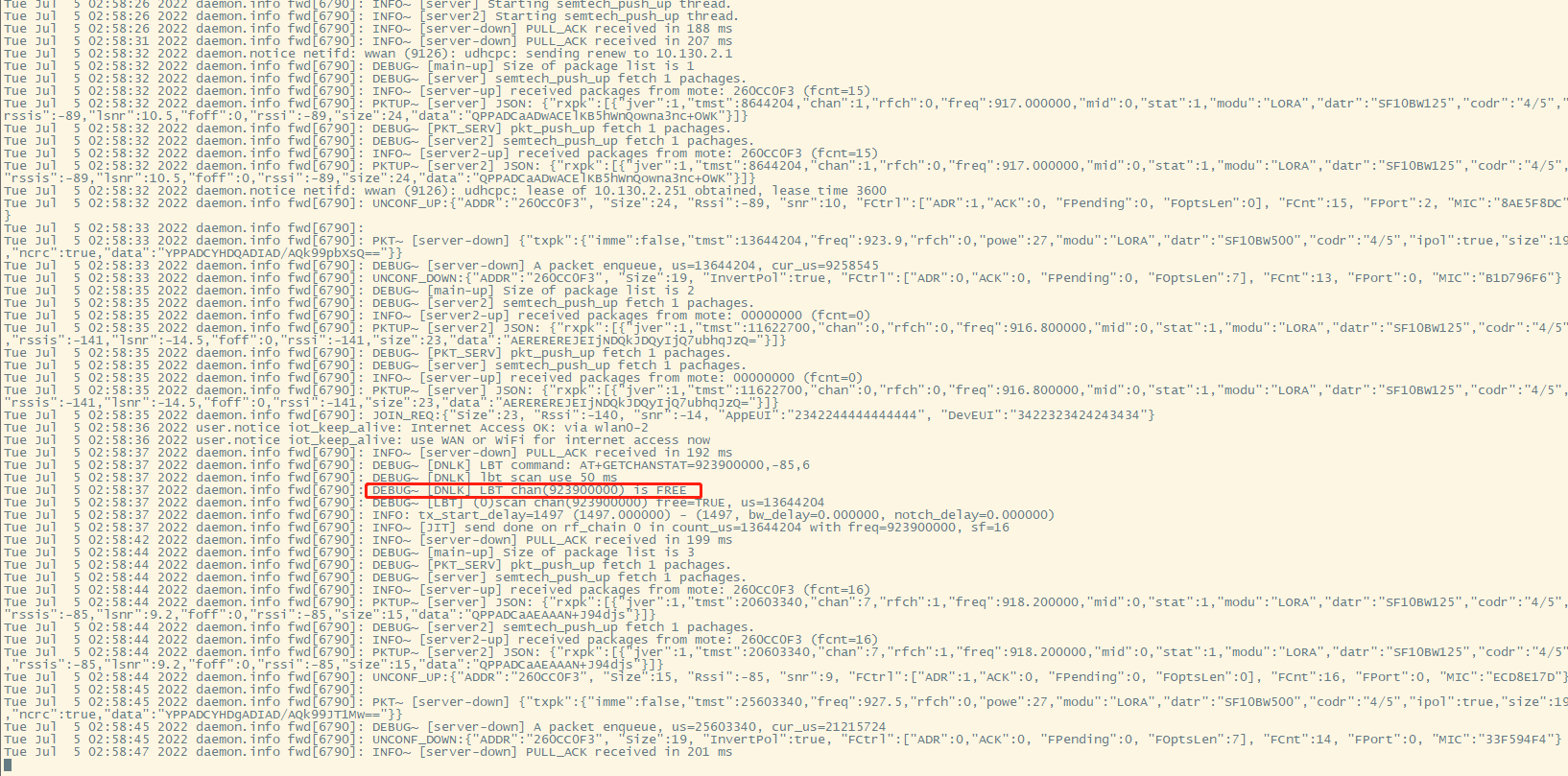
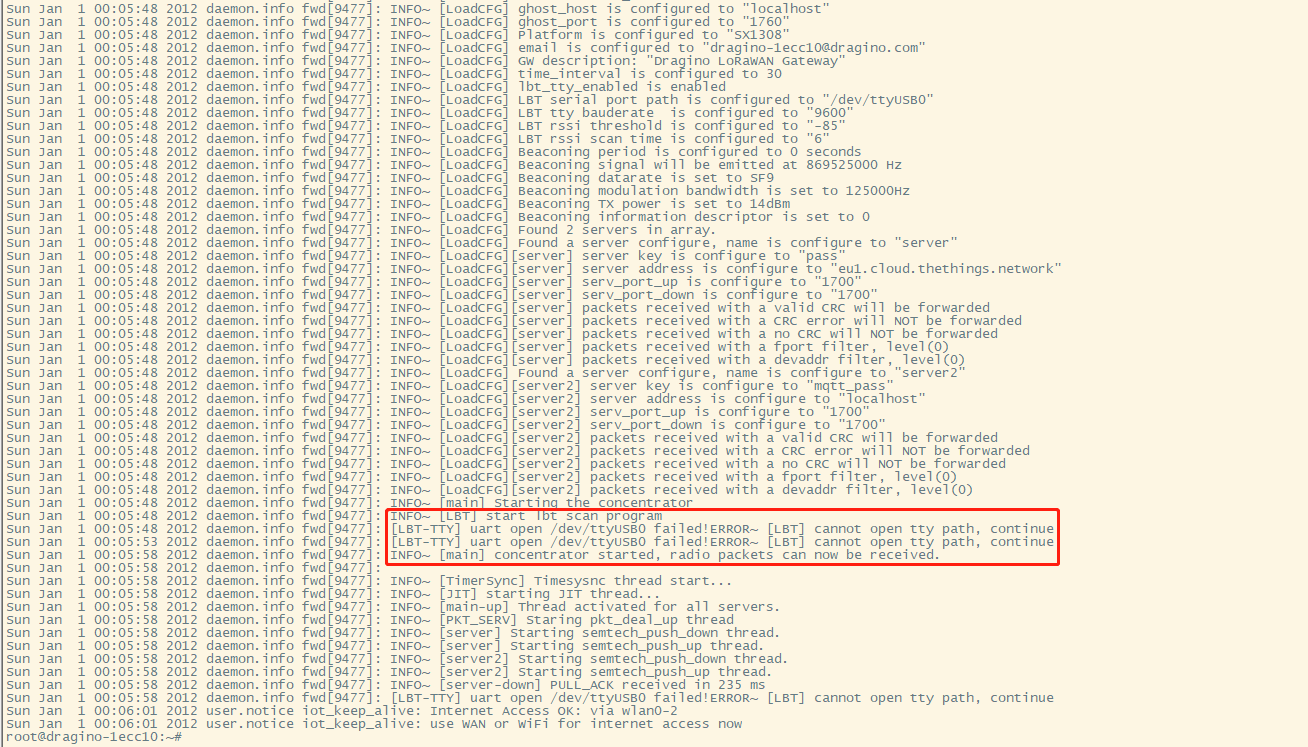
Run logread -f in Linux to check the LBT running status.
If LA66 module returned the value FREE, indicating that can be downlinked normally.
If LA66 module returned the value BUSY, indicates that the downlink can be disturbed.
Received signals greater than -85dBm return BUSY, less than return FREE
2.3 Trouble Shootings
2.3.1 How to debug if LBT does not work
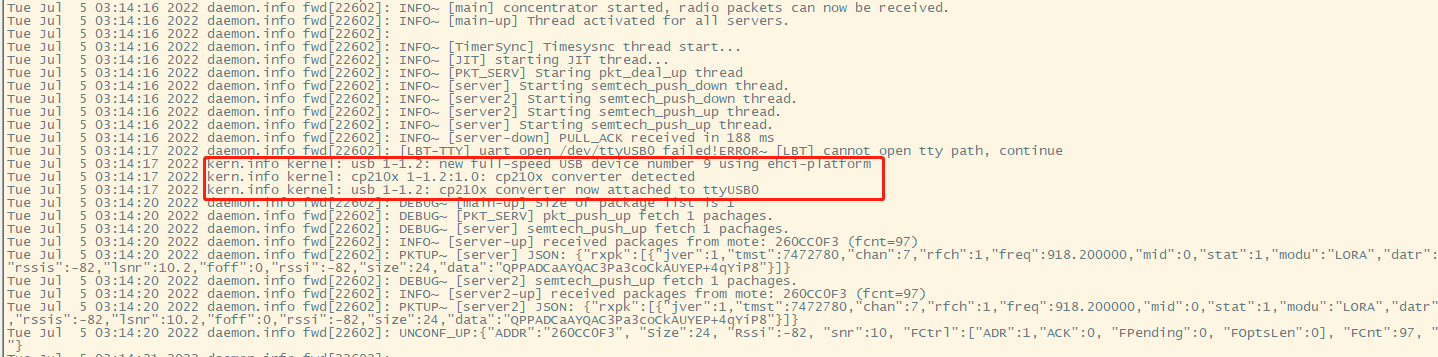
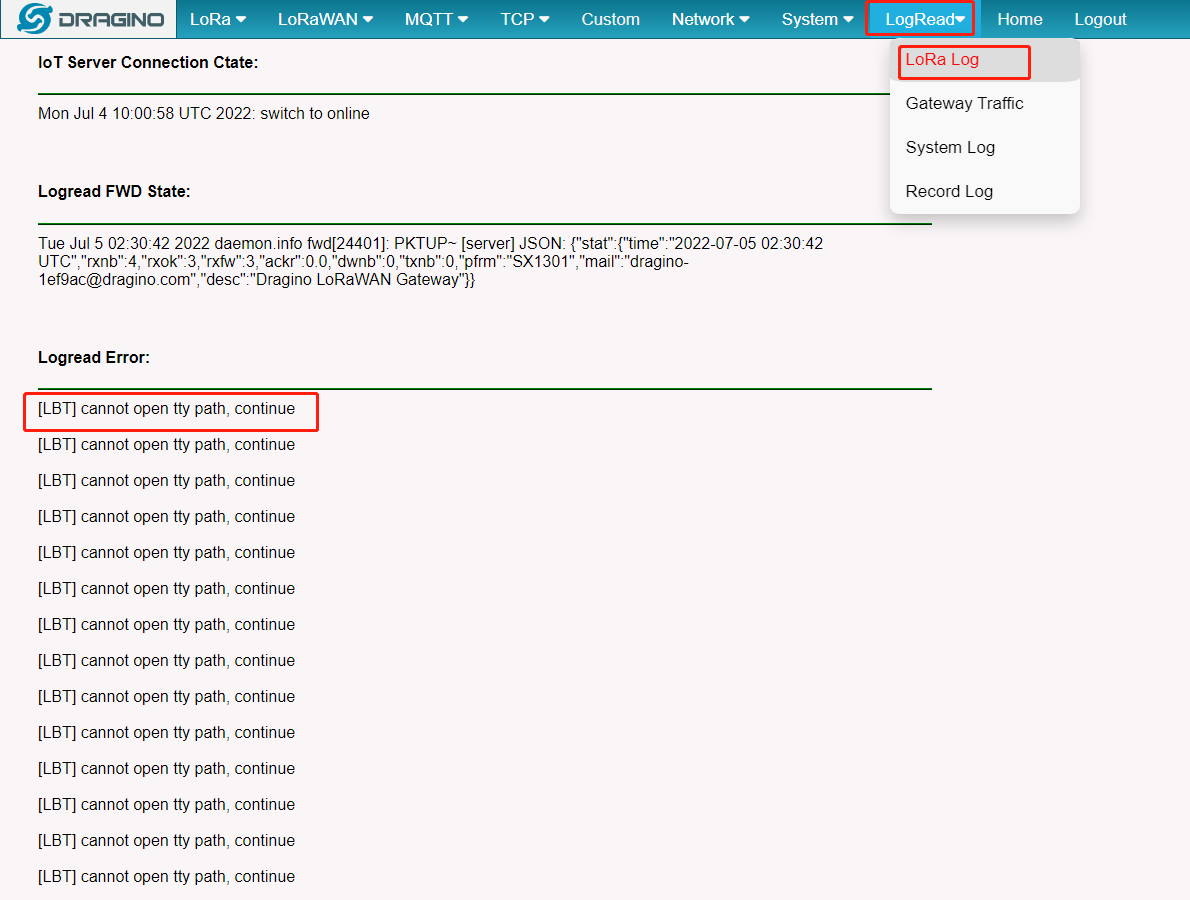
Make sure that the gateway is connected to the LA66 module, Can check by command or via the Web UI.
Access LA66 module log will show CP210X Converter Now Attached to ttyUSBX