Install LuCI in the New UI Firmware
1. Introduction
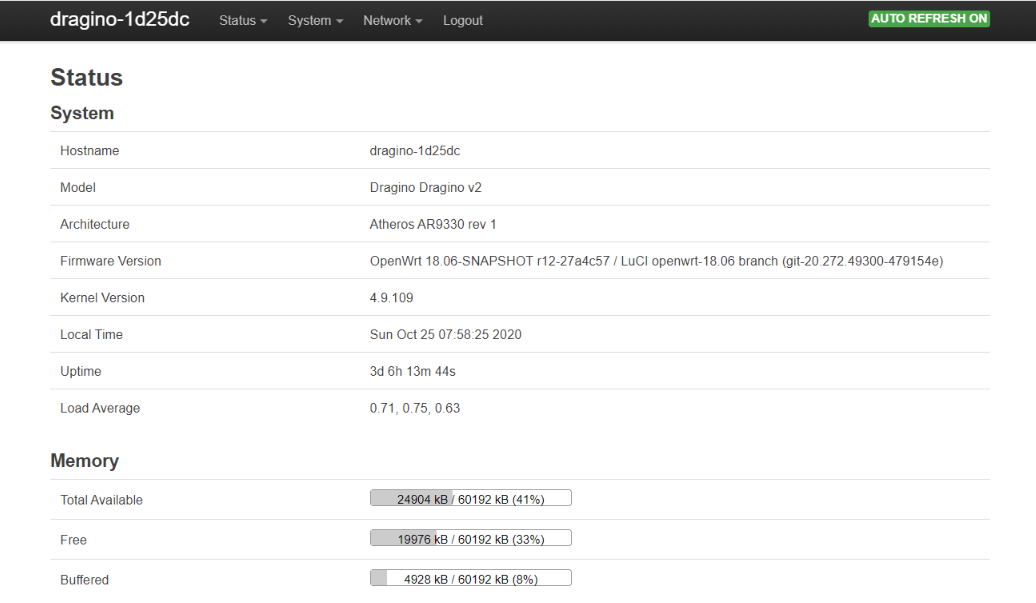
This guide describes how to install LuCI in the new UI firmware.
2. Connect to the gateway via SSH
You can use Putty or any SSH client to connect to the gateway.
Default credentials:
username: root
password: dragino
3. Install LuCI
Enter the following commands:
opkg update
opkg install luci --force-overwrite
Example output:
root@dragino-1d25dc:~# opkg update
Downloading https://downloads.openwrt.org/releases/18.06.8/targets/ar71xx/generic/packages//Packages.gz
Updated list of available packages in /var/opkg-lists/openwrt_core
Downloading https://downloads.openwrt.org/releases/packages-18.06/mips_24kc/base//Packages.gz
Updated list of available packages in /var/opkg-lists/openwrt_base
Downloading https://downloads.openwrt.org/releases/packages-18.06/mips_24kc/luci//Packages.gz
Updated list of available packages in /var/opkg-lists/openwrt_luci
Downloading https://downloads.openwrt.org/releases/packages-18.06/mips_24kc/packages//Packages.gz
Updated list of available packages in /var/opkg-lists/openwrt_packages
Downloading https://downloads.openwrt.org/releases/packages-18.06/mips_24kc/routing//Packages.gz
Updated list of available packages in /var/opkg-lists/openwrt_routing
Downloading https://downloads.openwrt.org/releases/packages-18.06/mips_24kc/telephony//Packages.gz
Updated list of available packages in /var/opkg-lists/openwrt_telephony
Downloading http://www.dragino.com/downloads/downloads/LoRa_Gateway/DLOS8/Firmware/Packages/dragino//Packages.gz
Updated list of available packages in /var/opkg-lists/dragino
root@dragino-1d25dc:~# opkg install luci --force-overwrite
Installing luci (git-20.272.49300-479154e-1) to root...
Downloading https://downloads.openwrt.org/releases/packages-18.06/mips_24kc/luci//luci_git-20.272.49300-479154e-1_all.ipk
Installing luci-base (git-20.272.49300-479154e-1) to root...
Downloading https://downloads.openwrt.org/releases/packages-18.06/mips_24kc/luci//luci-base_git-20.272.49300-479154e-1_mips_24kc.ipk
Installing luci-mod-admin-full (git-20.272.49300-479154e-1) to root...
Downloading https://downloads.openwrt.org/releases/packages-18.06/mips_24kc/luci//luci-mod-admin-full_git-20.272.49300-479154e-1_mips_24kc.ipk
Installing luci-theme-bootstrap (git-20.272.49300-479154e-1) to root...
Downloading https://downloads.openwrt.org/releases/packages-18.06/mips_24kc/luci//luci-theme-bootstrap_git-20.272.49300-479154e-1_all.ipk
Installing luci-app-firewall (git-20.272.49300-479154e-1) to root...
Downloading https://downloads.openwrt.org/releases/packages-18.06/mips_24kc/luci//luci-app-firewall_git-20.272.49300-479154e-1_all.ipk
Installing luci-proto-ppp (git-20.272.49300-479154e-1) to root...
Downloading https://downloads.openwrt.org/releases/packages-18.06/mips_24kc/luci//luci-proto-ppp_git-20.272.49300-479154e-1_all.ipk
Installing luci-proto-ipv6 (git-20.272.49300-479154e-1) to root...
Downloading https://downloads.openwrt.org/releases/packages-18.06/mips_24kc/luci//luci-proto-ipv6_git-20.272.49300-479154e-1_all.ipk
Configuring luci-theme-bootstrap.
uci: Entry not found
uci: Parse error (too many arguments) at line 22, byte 43
Configuring luci-app-firewall.
Configuring luci-proto-ppp.
Configuring luci-base.
Configuring luci-mod-admin-full.
uci: Entry not found
uci: Parse error (too many arguments) at line 22, byte 43
Configuring luci-proto-ipv6.
Configuring luci.
root@dragino-1d25dc:~#
4. Web access
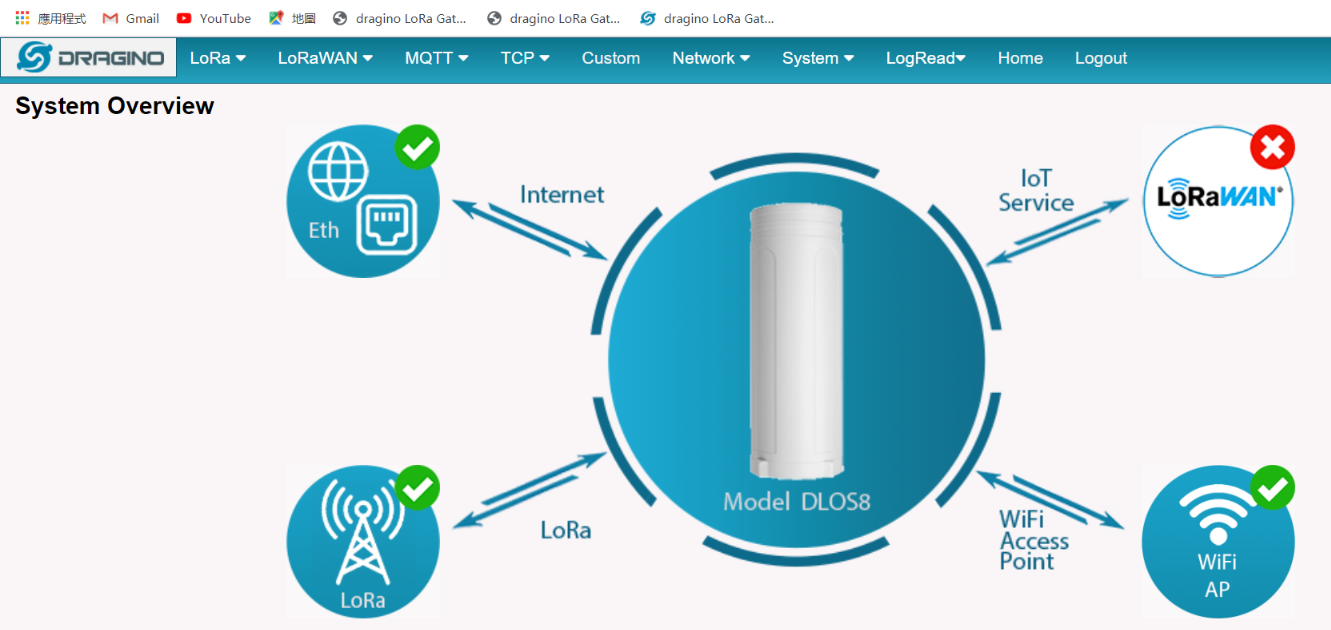
The new GUI is working as before. Simply enter the gateway IP address in the address bar of your browser.
By default: http://10.130.1.1/cgi-bin/home.has
The LuCI interface is accessible via the URL http://10.130.1.1/cgi-bin/luci/, adjust the IP accordingly